
Shopify
How to Automatically Choose the Right Box in Shopify
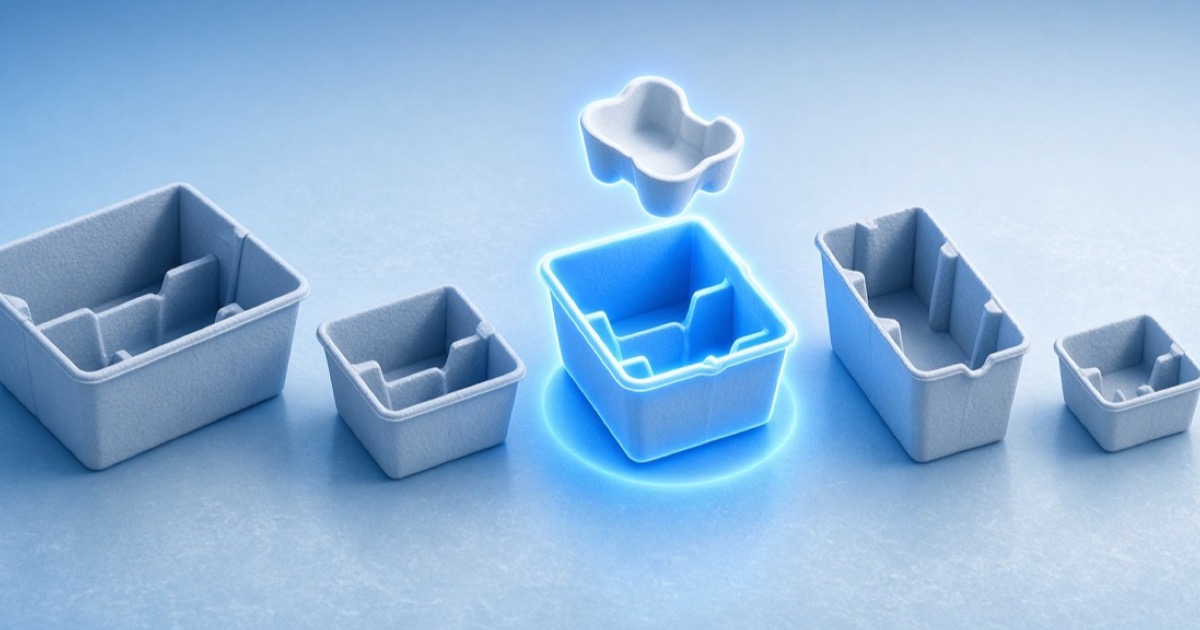
To automatically choose the right box in Shopify, you need more than Settings → Shipping → Packages. That list is a menu for the label printer. Automatic selection means: given this order’s SKUs, recommend the carton (or cartons) that actually fit—before anyone tapes a flap. Shopify does not do that 3D work natively.
What Shopify gives you today
Variant weight is a first-class field. Outer shipping packages can be named and sized for labels. Product length, width, and height are not native packing fields—merchants store them in metafields or a packing app. Without those measurements, “automatic box selection” is a dropdown, not a decision.
Related: does Shopify store product dimensions?
What “right box” actually means
The right box is the smallest suitable carton that respects 3D fit, orientation, max weight, and packing rules. Volume math (“items add up, so it fits”) is how warehouses oversize every mixed order. Real selection tries the allowed box set, scores fill rate and splits, and returns leftovers instead of lying.
That is cartonization, not a cheat sheet taped to the monitor. See automating box selection for Shopify orders for the product flow.
How to turn on automatic box selection
A production setup looks like this:
- Map SKU dimensions (metafields or a measured catalog) and keep weight in sync.
- Import Shopify shipping packages into a box library—or define inner dimensions yourself.
- Attach a packing profile so the engine only sees cartons you actually stock.
- Add rules: ship-alone, no-mailer, orientation locks, weight caps.
- On the order, generate a pack plan and show the recommended box in Admin.
- Fulfill by package so the label matches the carton the engine chose.
Trust: packers will ignore a black box
If the recommendation is only a box name, experienced packers override it. Show 3D placement, utilization, and why the plan split. Shadow-mode the first week: compare engine vs human, then make the plan the default.
WiCartonize uses the same 3D packing engine in Shopify Admin and via API—so the carton you see is the carton the warehouse should build.
What to measure after go-live
Automatic selection is working when these move:
- Average fill rate up; DIM-triggered invoices down
- Boxes per order matches the plan, not tribal knowledge
- Packer override rate trending down
- Repacks and “wrong box” tickets falling
Does Shopify automatically pick a shipping box?
No. You can store package presets for labels. Choosing the right carton for mixed SKUs requires cartonization.
Can I hard-code SKU → box maps?
They break on bundles and mixed carts. Maps are a freeze-frame of last month’s orders.
Do I need a WMS first?
No. Shopify brands with a single pack station still benefit. WMS is a later integration point.
What if dimensions are missing?
Block packing or require inline measurements. Never guess a carton from weight alone.