WiCartonize follows a clear ops workflow: get products in, define boxes and rules, then generate packing plans through the UI or API.
1. Create products — or import them
Add products manually with length, width, height, and weight, or pull catalog data from marketplaces through Integrations (for example Shopify). Stored master data is optional for API packs, but a clean catalog makes every plan repeatable.
2. Create boxes
Build your box library: mailers, cartons, and custom containers with dimensions and max weight. You can also import shipping packages from connected stores when the integration supports it.
3. Define packing rules
Use packing rules and profiles to encode real packing behavior—exceptions, preferences, and constraints—so the engine does not rely on volume math alone.
4. View the packing plan (UI or API)
Run cartonization from the web UI or call POST /api/v1/pack. Inspect boxes, placements, utilization, leftovers, and explainability—then act on the plan in pack stations or Shopify fulfillments.
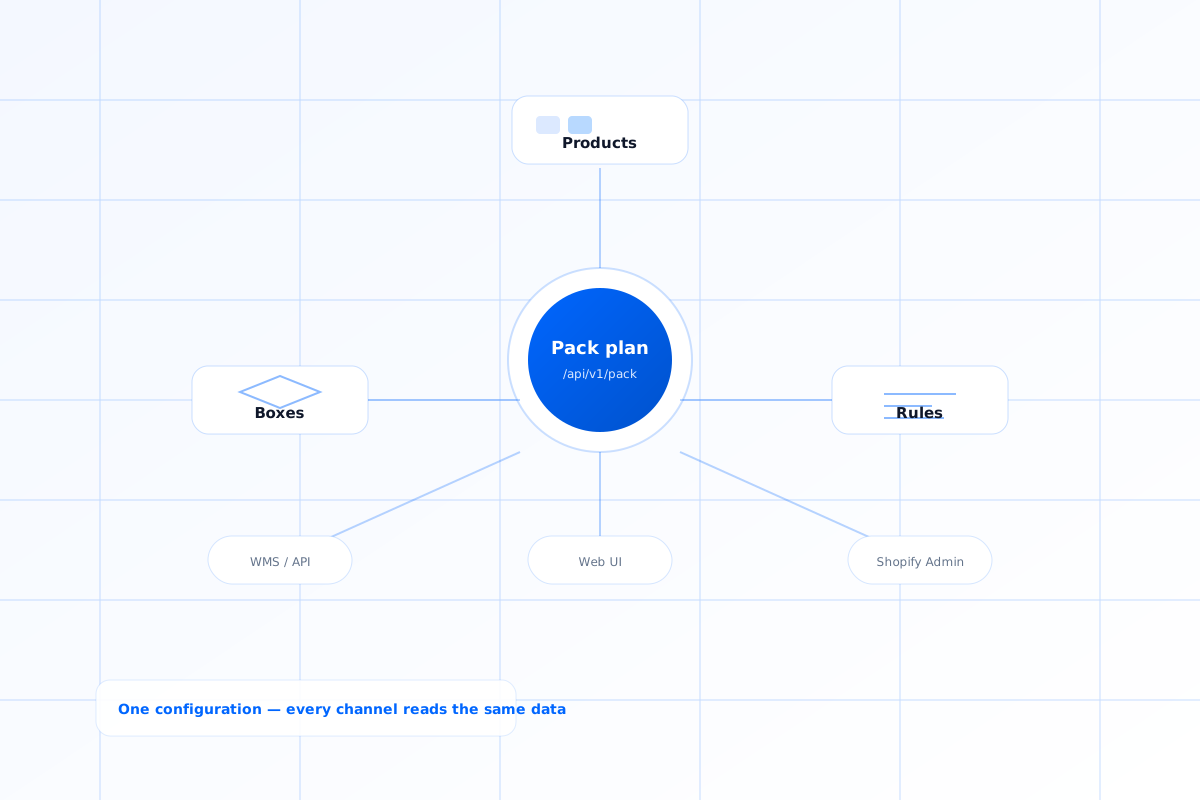
One source of truth for packing
Products, boxes, and rules live in WiCartonize. Every channel—API clients, warehouse UI, or Shopify Admin—reads the same configuration instead of one-off spreadsheets.